Activation / 6 min read
Windows license key activation checklist
A simple checklist for choosing Windows Home, Pro, Enterprise, Retail, and upgrade keys.
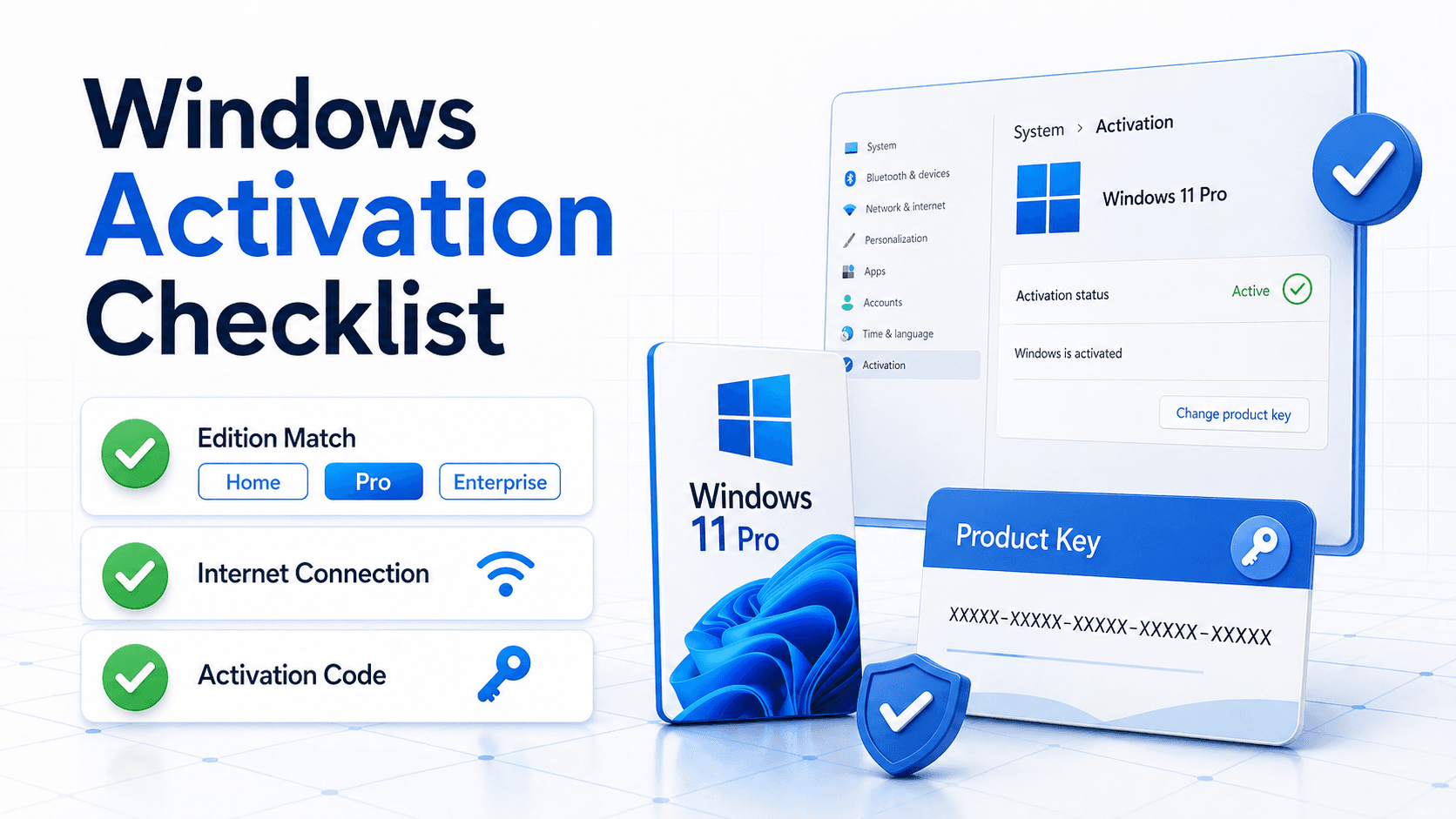
Match the edition first
Windows activation depends on the installed edition. A Pro key should be used with a Pro installation, and a Home key should be used with a Home installation.
If you are upgrading editions, confirm the product name and variant before checkout.
You can check the installed edition from Settings, then System, then Activation or About. Write down the exact edition before choosing a key.
Choose between fresh activation and edition upgrade
Some customers only need to activate an edition that is already installed. Others need to move from Home to Pro, or from an older environment to a newer one.
Those are different situations. If the product page says upgrade, make sure your current Windows edition is eligible for that path before checkout.
For a clean installation, prepare installation media and important drivers first. For an in-place edition change, close open work and keep the device connected to power.
Prepare the device
Back up important files before a clean installation or edition change.
Connect to the internet and install current system updates before activation if the device has been offline for a long time.
Temporarily disable VPN or proxy tools if activation has trouble reaching Microsoft servers. A normal home or office network is usually the most predictable activation environment.
Use the activation screen carefully
Enter the product key exactly as delivered. Copy and paste is usually safer than typing, but make sure no extra spaces are included before or after the key.
If Windows asks you to restart, restart before trying the same key repeatedly. Repeated attempts without checking the message can make troubleshooting harder.
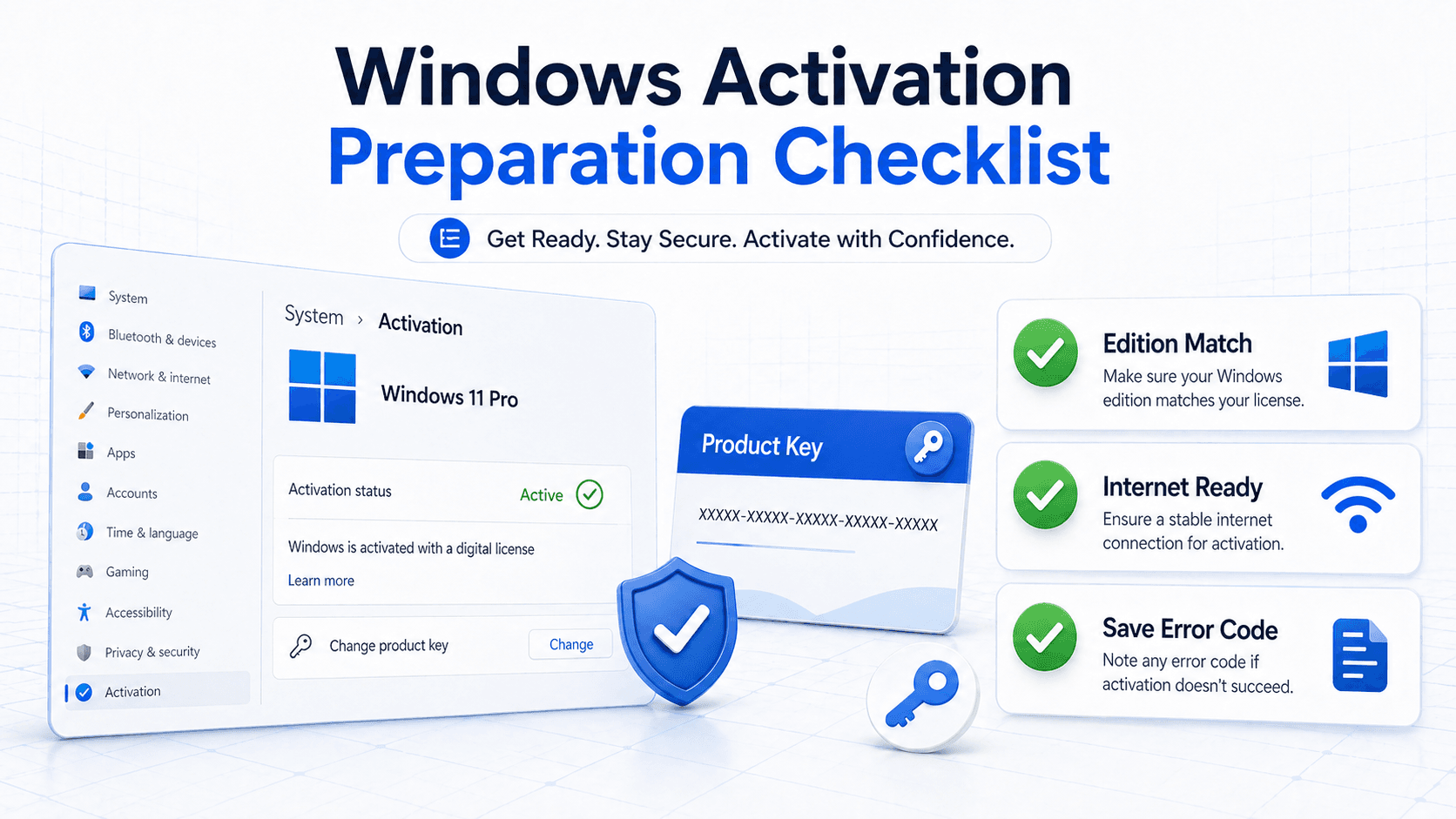
If the activation window shows a specific code, keep that code. It tells support whether the issue is edition mismatch, network access, key entry, or a system state problem.
After purchase
Copy the key from the order page after payment confirmation.
If the activation window returns an error, save the error code and contact support with your order number.
Keep a screenshot of the activation result after success. It is useful for your own records, especially when the device is used for work or business accounting.