Buying Guide / 7 min read
How to choose the right Office license key
Compare Professional Plus, Home & Business, device count, platform, and Bind Email variants before checkout.
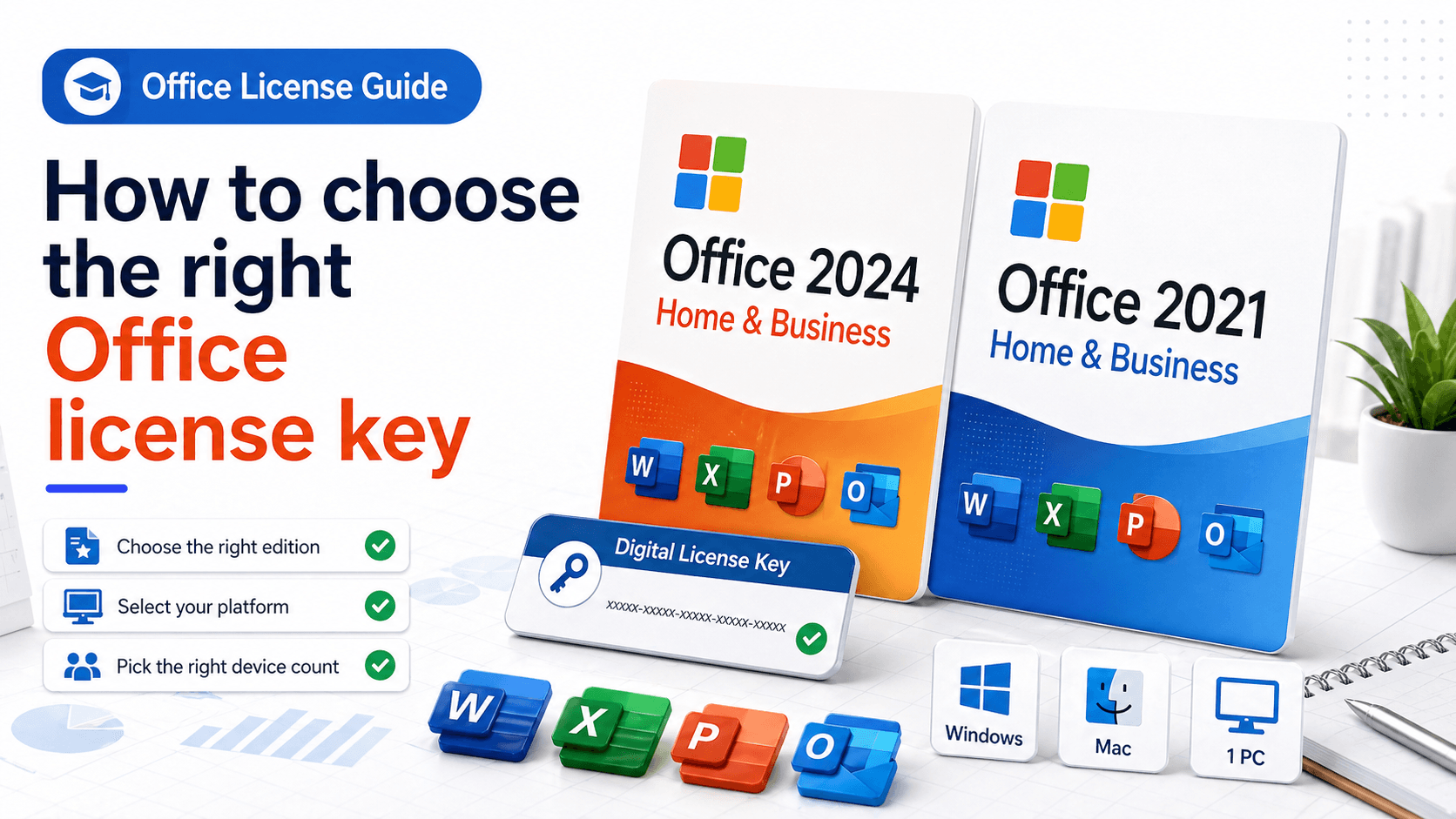
Start with the device and platform
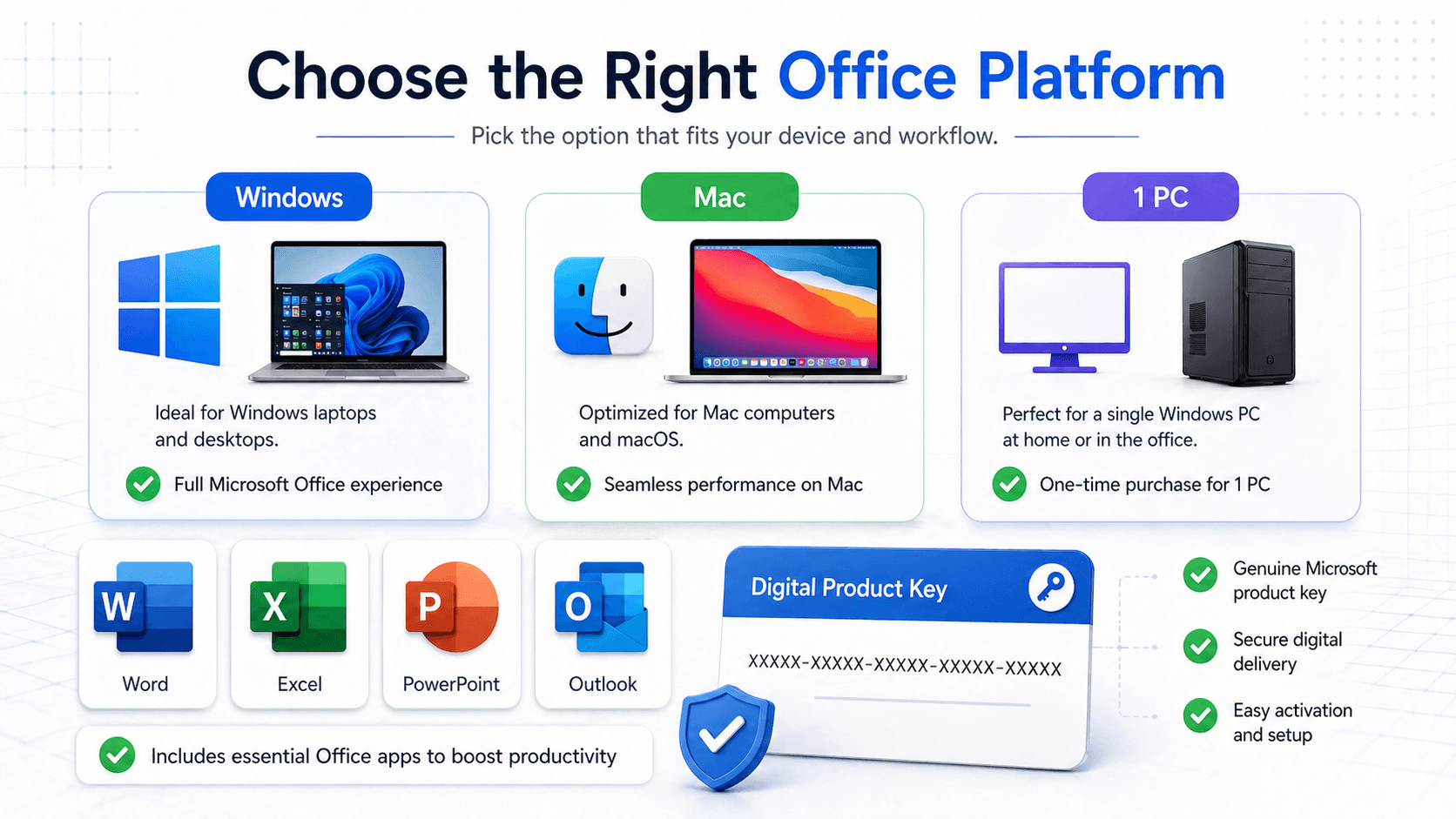
Check whether the product is for Windows, Mac, or both. Office products can have similar names while supporting different platforms, so the platform line on the product page matters.
If you are buying for several computers, choose the variant that matches the required device count instead of placing separate orders.
For most customers, the fastest way to decide is to write down three things before browsing: the computer system, the number of devices, and whether the software will be used at home, in a small office, or for professional work.
Read the product title like a compatibility checklist
A good Office product title usually tells you the year, edition, platform, and activation style. Treat that title as the compatibility contract for the order.
For example, Office Professional Plus for Windows is not the same product as Office Home & Business for Mac. Both are Office products, but the installer, apps, and activation flow can be different.
If the listing includes a year such as 2021 or 2024, use the installer and edition that match that year. Mixing installer families is one of the most common causes of activation errors.
Understand Bind Email and Retail variants
A Bind Email product is connected to a Microsoft account during activation. A Retail key is normally entered during installation or activation for the selected edition.
Use the exact edition shown on the product page. A Professional Plus key will not activate a Home & Business installer, and a Mac product will not activate a Windows-only installer.
If you prefer to keep long-term access tied to an account, a Bind Email option can be easier to manage. If you are installing on a single prepared device, a Retail-style activation may be the simpler path.
Avoid the most common buying mistakes
Do not choose only by price. A cheaper key that does not match your system costs more time than buying the right edition first.
Do not assume every Office key includes every app. Some editions include Outlook, Access, or Publisher, while others focus on Word, Excel, PowerPoint, and Outlook only.
Do not purchase a Windows-only listing for a Mac, even if the app names look familiar. The platform line should match the device you actually plan to activate.
Before you pay
Remove trial editions or conflicting Office installations before activation when possible.
Keep your order number and key after checkout. If activation needs support, send the order number, product name, variant, and error message.
After payment confirmation, save the product page link or product name with your order details. That small habit makes support faster if you reinstall later or need help matching the correct installer.